McAfee Secure sites help keep you safe from identity theft, credit card fraud, spyware, spam, viruses and online scams
AceReader - Better Business Bureau AceReader - TrustLink AceReader - Windows 7 Compatibility AceReader for Macintosh

Free Speed Reading Techniques

by AceReader

Speed reading is not a myth. It’s a series of skills and techniques that, when implemented, allows you to read faster, with increased comprehension and greater long-term retention. Speed Reading techniques are informational and practical steps to learning how to become a speed reader. They are best used along with Speed Reading Tips.

The following is a list of speed reading techniques that will aid you in your quest to become a better, more efficient reader:

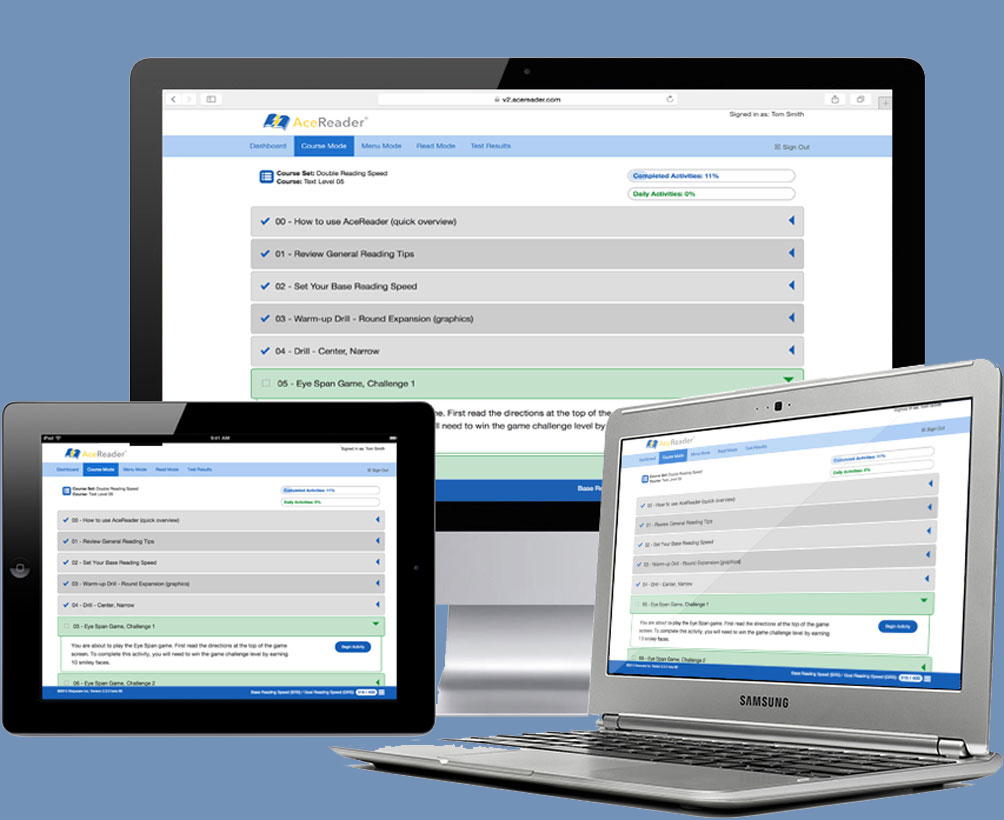
AceReader - Speed Reading Software

Speed Reading Techniques

  1. Increase your eye span. Eye span is the number of words you take in at a glance. Word-by-word readers are the slowest kind of readers, since they stop at each and every word. They also lose comprehension, as they do not see the material in context. You cannot increase your speed or your comprehension until you are able to take in more word than one word (and then more than that) at a time. When reading text, look slightly above the words, at about the midpoint of your eye span. This will help you open up your peripheral vision and see more information. Your brain will learn to process the additional amount.
  2. Decrease your fixations. Although we believe we read smoothly across text, our eyes periodically stop and “fixate” at intervals along the way. This is the only time we register and process visual information. The more we fixate, and the longer we fixate on any point, the slower we read. Certain habits, such as word-by-word reading and regressions (see below) increase the fixation frequency and duration. We must learn to read in groups of words to decrease fixations and thereby increase comprehension.
  3. “Zip” your eyes from the end of one line (or group of lines) to the next line (or group of lines) to increase your speed. You do not register information during the movement, so you should move as fast as you can. Then proceed as before, with increased eye span and decreased fixations.
  4. Minimize sub-vocalization. Sub-vocalization is the habit of pronouncing each word in your head as you read it. Almost universal, it may stem from the way we learned to read in first grade – we read aloud to the teacher. This connects the auditory response with the meaning of the words. However, auditory reading takes more time than is necessary, because it must be first processed in the brain’s auditory cortex before it can be understood. You need to be able to understand what you read on sight. While not easy to overcome, try not to listen to the voice as you read. As you begin to increase reading speed, the voice cannot keep up (we speak at only about 250 words per minute), and it begins to drop out. It's fine if you sub-vocalize some of the time, but you should strive to minimize it. You will find that not only are you reading faster, but you are understanding the material much better than before.
  5. Eliminate regressions. Regression is the unnecessary re-reading of material. Sometimes people get in the habit of skipping back to words they have just read, while, other times, they may jump back a few sentences, just to make sure that they read something right. Usually the word or phrase they’ve re-read is something small, like “and” or “the,” and it does not contribute to overall comprehension. In addition, when you regress you lose the flow and structure of the text, and your overall understanding of the material can decrease. Occasionally regressions are necessary to clarify a point; make sure that you only regress when it aids your overall comprehension of the material.
  6. Learn to recognize configurations, or the shapes of letters and words. If you create a word “image” in your mind, you will be able to process the information faster and comprehend more.
  7. Use Rapid Serial Visual Presentation (RSVP) to practice. RSVP presents text in a serial fashion at a fixed focal position – the words move to your eyes rather than the other way around. By flashing the text faster or in larger blocks, you can use RSVP to increase your overall reading rate or to provide access to long text on small displays. A number of computer reading programs will allow you to do this.
  8. If you use a software program, try also to find one with Tachistoscopic Scroll Presentation. When the program is in TSP mode, it displays text in a way that forces your eyes to move just like they would in normal paper or computer reading. By using this technique, you can learn to read in a normal fashion but at higher speeds.
  9. Use skimming and scanning only when necessary. Skimming and scanning are not speed reading techniques; they are tools speed readers can use to help them get through certain types of reading. You skim when you want to get the overall sense of the text. You scan when you want to find a specific piece of information. Both should not be used when complete comprehension is required, as in neither instance do you take in every word. Both are similar to previewing, where you look briefly at various parts of a document before reading so you’ll be able to establish a plan for approaching the material.
  10. Set goals and clarify your purpose in reading each document. When you know why you are reading something and what you hope to get out of it, you are more likely to be successful in your endeavor.